Petal Docs
A screenshare app for small engineering syncs, where shared windows stay real windows.
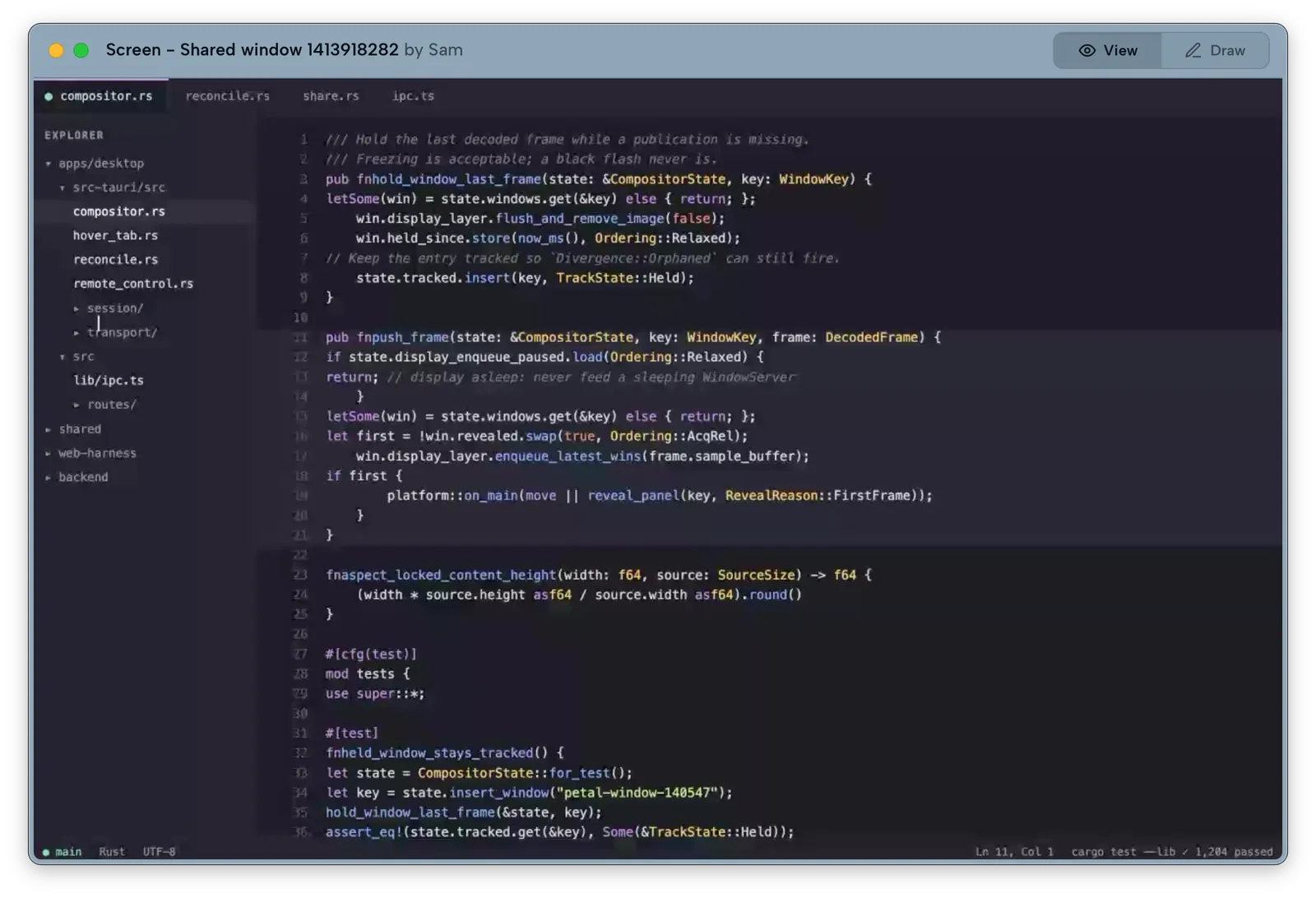
What is Petal
Section titled “What is Petal”Petal is a low-latency screenshare app for macOS and Windows, built for small engineering syncs — typically 3 to 8 people. When you share a window, it doesn’t show up on other participants’ screens as a video tile in a grid. It arrives as a real, independently movable, borderless native window on their own desktop — one they can drag, resize, and arrange alongside their other windows, just like anything else running on their machine.
Who it’s for
Section titled “Who it’s for”Petal is built for small engineering teams: pairing sessions, code review, debugging together, design reviews — the kind of sync where more than one shared window matters and where the overhead of a traditional video-call grid gets in the way.
Why this is different
Section titled “Why this is different”Most screenshare tools capture a window and re-render it as a video feed inside their own UI — a tile you can’t move independently of the call window, can’t overlap with your other work the way you’d want, and that adds a layer of app chrome between you and the content. Petal’s compositor instead gives each shared window its own native window on the receiving end. You can move it, resize it, put it behind or in front of your other windows — because it behaves like one of your own windows, not like a video embedded in someone else’s app.
Around that core: share several windows at once, point at things with telepointers and drawing, hand a teammate the keyboard with remote control (with your explicit consent, every time, by default), and optionally bring an AI into the conversation about a shared window. People without the app can join from a browser.
Requirements
Section titled “Requirements”Petal runs on macOS 13 or later, with one universal build for Apple Silicon and Intel Macs. A Windows x86-64 NSIS installer is also published. Windows support is still early, so expect platform-specific rough edges. The current Windows installer is not Authenticode-signed and may trigger a Microsoft SmartScreen warning on first download; the Tauri updater signature still protects automatic updates after installation.